Industry News · Product Education
Blood Pressure Monitor Memory Function: How Distributors Explain Multi-User Records
Explain blood pressure monitor memory, separate multi-user records, and plan distributor education without interpreting readings or replacing clinical records.
Preface
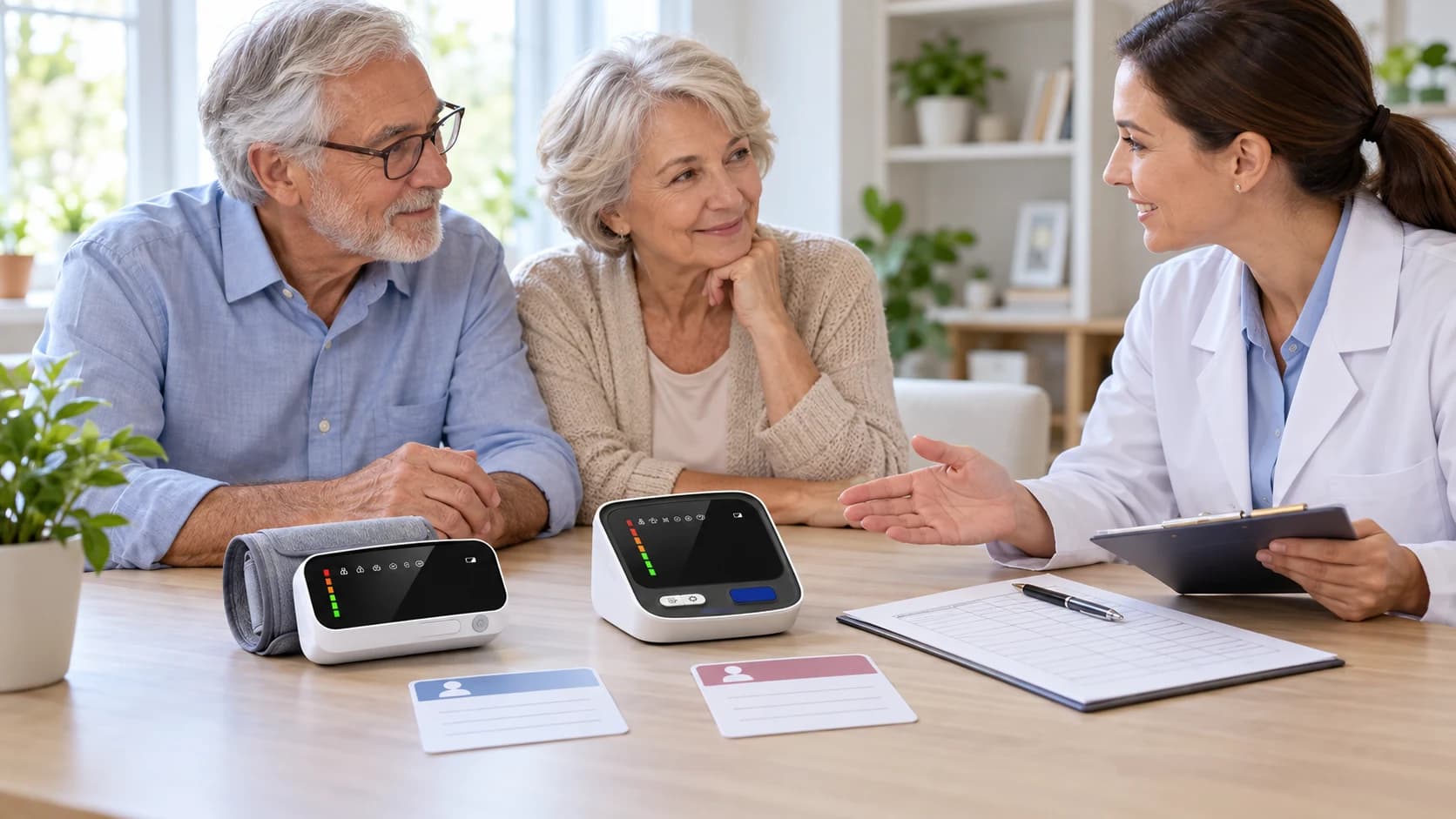
A blood pressure monitor memory function is useful only when users understand whose record is being stored, what the display represents, and when a separate written or digital log is still needed. In a shared household, one memory bank can become misleading if two people save readings under the same user profile.
For distributors, pharmacies, and customer-support teams, this is a product-education issue rather than a diagnosis task. The goal is to explain the controls and record workflow for the exact model, direct users to its instructions, and avoid interpreting individual readings.
01
Start with the exact model and memory structure
Do not teach memory as a generic feature across an entire category. Confirm the model, number of user profiles, storage capacity per user, whether date and time are retained, how stored records are recalled, and whether an average display is available. The released instructions for that model remain the controlling source.
Current AXDCARE references illustrate why model mapping matters. AXD-BP803 and AXD-BP814 list two users with 90 groups of memory for each user and an average of the latest three readings. AXD-BP860 lists two users with 120 groups for each user. These references support assortment and education planning; the final manual and approved product configuration govern the delivered unit.

02
Separate user identity before the measurement workflow
A support script should place user selection before measurement. Each household member should use the assigned profile consistently, and the distributor should explain how to confirm the active user according to the model instructions. A label, color card, or simple household convention can reduce accidental profile switching without changing the device.
If a guest uses the monitor, the household should decide how that reading will be handled before it is stored. The distributor should not invent a deletion or guest-mode procedure when the model instructions do not provide one.
03
Explain dates, times, and averages without interpreting results
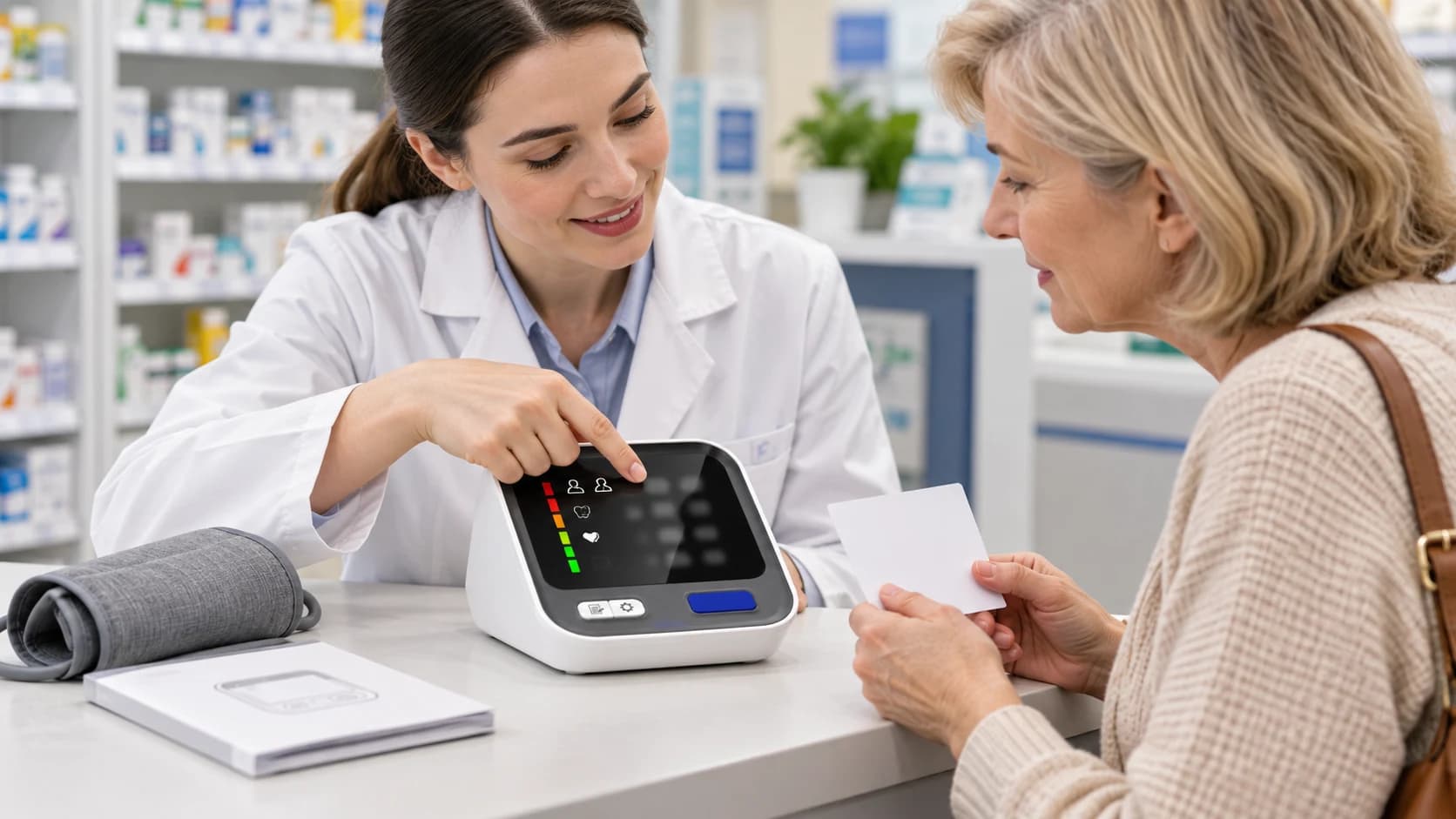
Memory review is more useful when date and time settings are correct. Customer education can show users how to verify those settings, open stored records, and recognize which profile is active. It should not tell the user that a single stored value proves a condition or that an average display replaces professional evaluation.
An average can summarize a defined group of stored measurements, but its meaning depends on the model's calculation method and the quality of the measurement routine. Support teams should describe the feature exactly as documented and refer health questions to qualified healthcare professionals.
Middle Article Support
Compare verified multi-user memory options
Review AXD-BP803 as one current model reference, then confirm the exact manual, memory structure, and package scope for your market.
View AXD-BP80304
Use memory as a convenience layer, not the only record
The American Heart Association advises home-monitoring users to keep a record over time and notes that a monitor with built-in memory can be taken to appointments. For distributors, the practical message is that device memory can support record review, while a written or approved digital log may make dates, context, and shared-care communication easier to manage.
A support team can encourage users to follow their healthcare professional's requested logging approach and bring the monitor or record to an appointment when asked. It should not prescribe a monitoring schedule or decide which readings require medical action.
05
Build channel-specific education assets
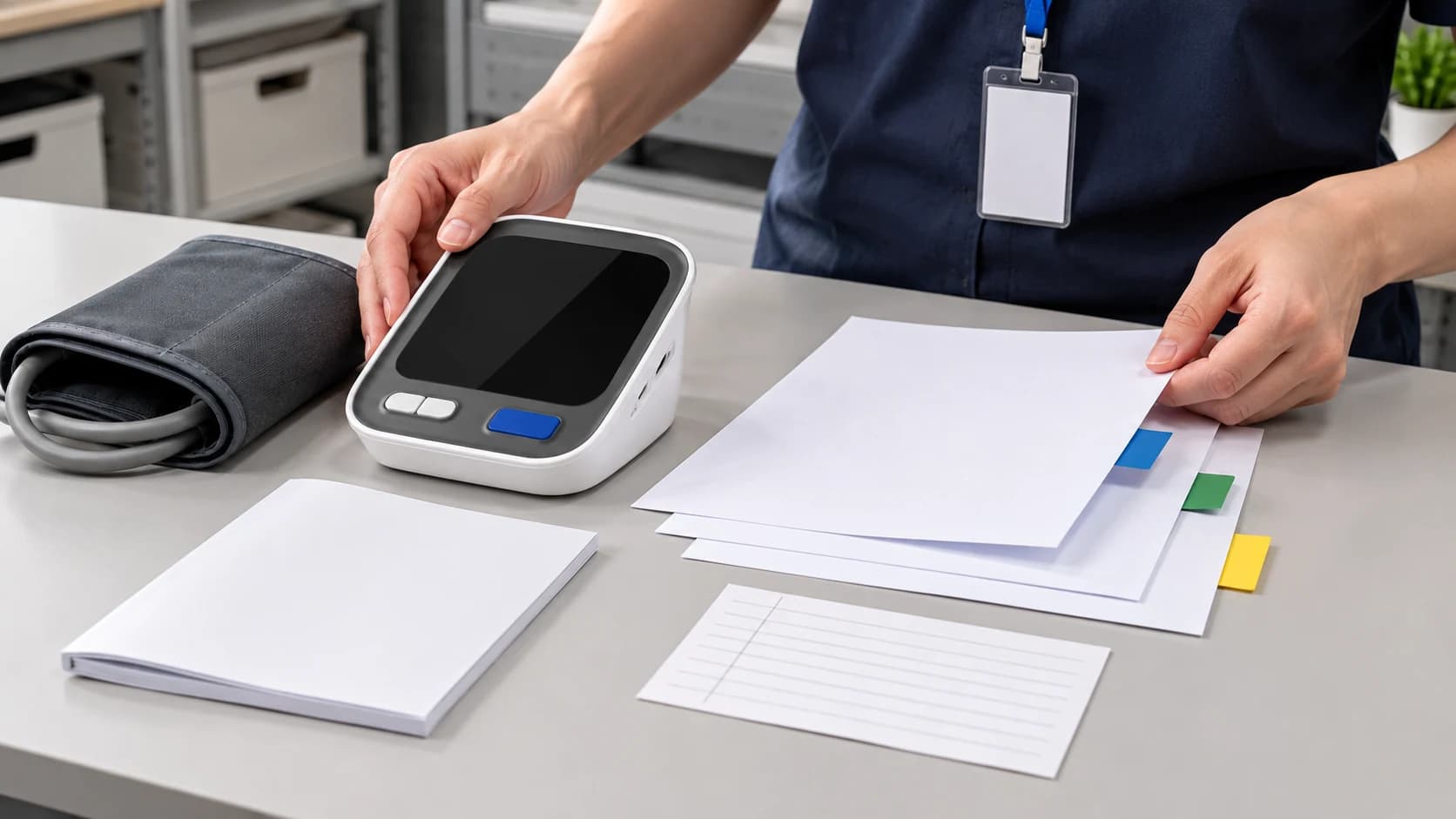
A pharmacy counter card may need a short two-user demonstration. An e-commerce page may need a clear feature table and a visual showing separate profiles. A printed quick guide may need a model-specific sequence for user selection, memory recall, and date or time setup. Each asset should remain aligned with the current instructions and approved claims.
Training should also define escalation points: damaged products, display errors, unclear instructions, account or app questions where applicable, and health-related questions that the seller is not qualified to answer. This keeps post-purchase support useful without turning it into clinical interpretation.
06
Review the feature during distributor assortment planning
Memory capacity is one assortment variable alongside display format, cuff, power arrangement, packaging, manuals, market documentation, and support materials. More stored records are not automatically better for every channel; the feature should match the intended household and education plan.
Before ordering, ask for the exact model specification, current manual, package-content list, artwork scope, and any approved training references. Confirm whether the same memory description applies across every variant in the quotation.
07
Reference sources
American Heart Association home blood pressure monitoring guidance: https://www.heart.org/en/health-topics/high-blood-pressure/understanding-blood-pressure-readings/monitoring-your-blood-pressure-at-home
AXDCARE AXD-BP803, AXD-BP814, and AXD-BP860 product records and current model specifications reviewed for this article.
Summary
A clear memory-function explanation begins with model identity and user separation. It then covers recall, dates, averages, record sharing, and the boundary between product support and clinical interpretation.
AXDCARE can provide current model references for qualified distributor review so feature descriptions, packaging, manuals, and channel education can be checked against the intended product configuration.
Related Links
Product and Sourcing Pages
Frequently Asked Questions
Buyer Questions
Can two people share one blood pressure monitor memory profile?+
They should follow the exact model instructions. When a monitor provides separate user profiles, consistent profile selection helps keep each person's stored records distinct.
Does a memory average diagnose high blood pressure?+
No. It summarizes stored measurements according to the model's documented method. Diagnosis and interpretation belong to qualified healthcare professionals.
Should users keep a separate log if the monitor has memory?+
A separate record may still be useful for dates, context, and sharing. Users should follow the approach requested by their healthcare professional.
What should a distributor verify before advertising memory capacity?+
Verify the exact model, user-profile count, records per user, average function, date and time behavior, current instructions, and approved product claims.
End Article Support
Plan a model-specific education handoff
Share your channel, target users, shortlisted models, language needs, and support-material requirements for a focused distributor discussion.
Contact AXDCARERelated Reading